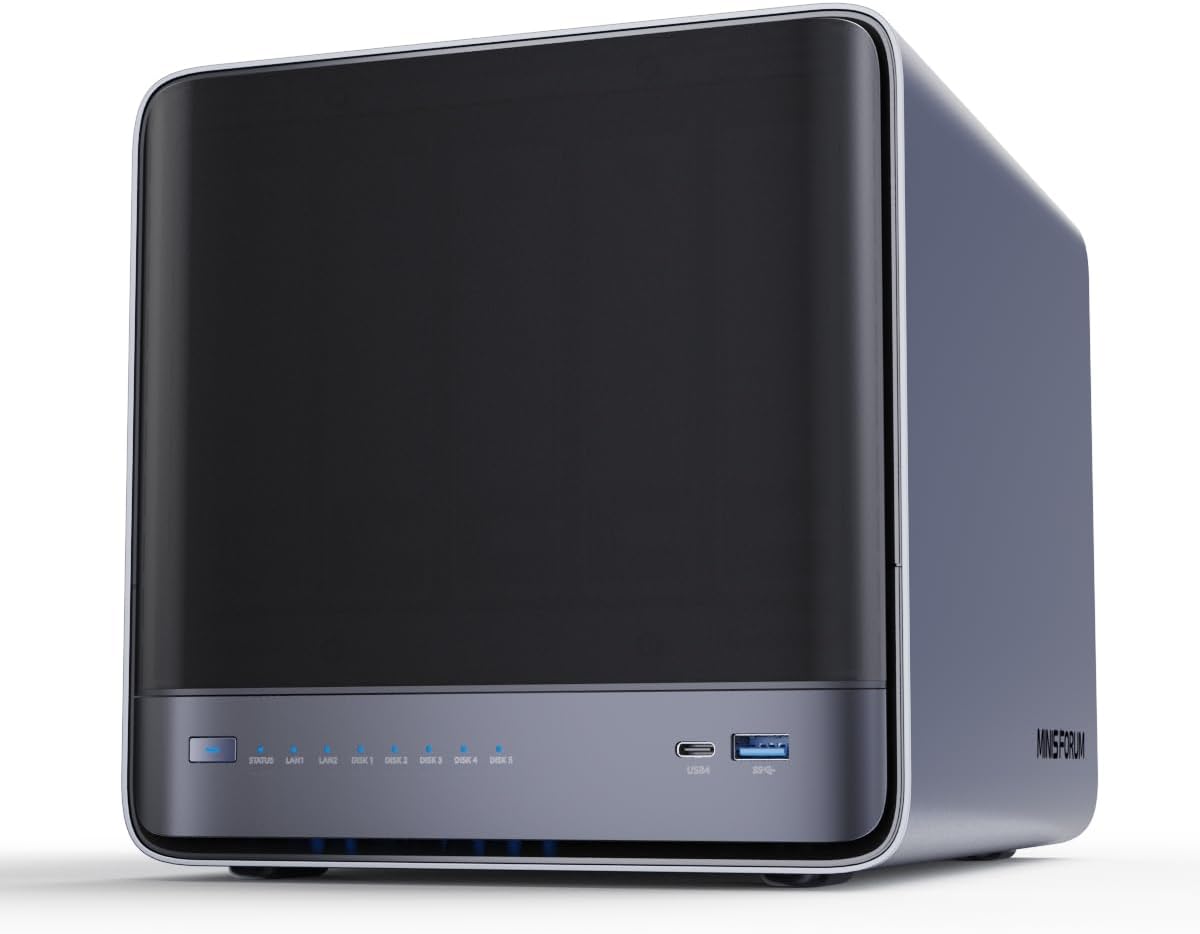
MINISFORUM N5 Air NAS
The MINISFORUM N5 Air is the most powerful AI NAS available — 5-bay, AMD Ryzen 7, USB4, a PCIe x16 slot for eGPU, OCuLink for external GPU inference, and dual 10GbE/5GbE networking.
MINISFORUM N5 Air Review: The Only NAS with OCuLink eGPU — Run AI Inference on Your Storage
What Can You Run on This?
- On-NAS GPU inference via OCuLink eGPU connection
- High-performance 5-bay AI model storage with 10GbE delivery
- Running Ollama directly on the NAS with an attached eGPU
- PCIe expansion for add-in accelerators (NPU cards, 25GbE NICs)
- Multi-client 10GbE model distribution to GPU workstations
Full Specifications
| Chip / Processor | AMD Ryzen 7 |
|---|---|
| Interface | USB4 + OCuLink |
| Form Factor | 5-Bay NAS |
Pros & Cons
Pros
- OCuLink port enables direct eGPU connection — run inference on the NAS itself at near-PCIe speeds
- PCIe x16 slot for expansion — add 25GbE NIC, NPU accelerator, or additional storage
- 5-bay design holds more models than 4-bay alternatives
- Dual 10GbE + 5GbE covers multiple high-speed clients simultaneously
- AMD Ryzen 7 is powerful enough for 7B model CPU inference at 3–5 t/s
Cons
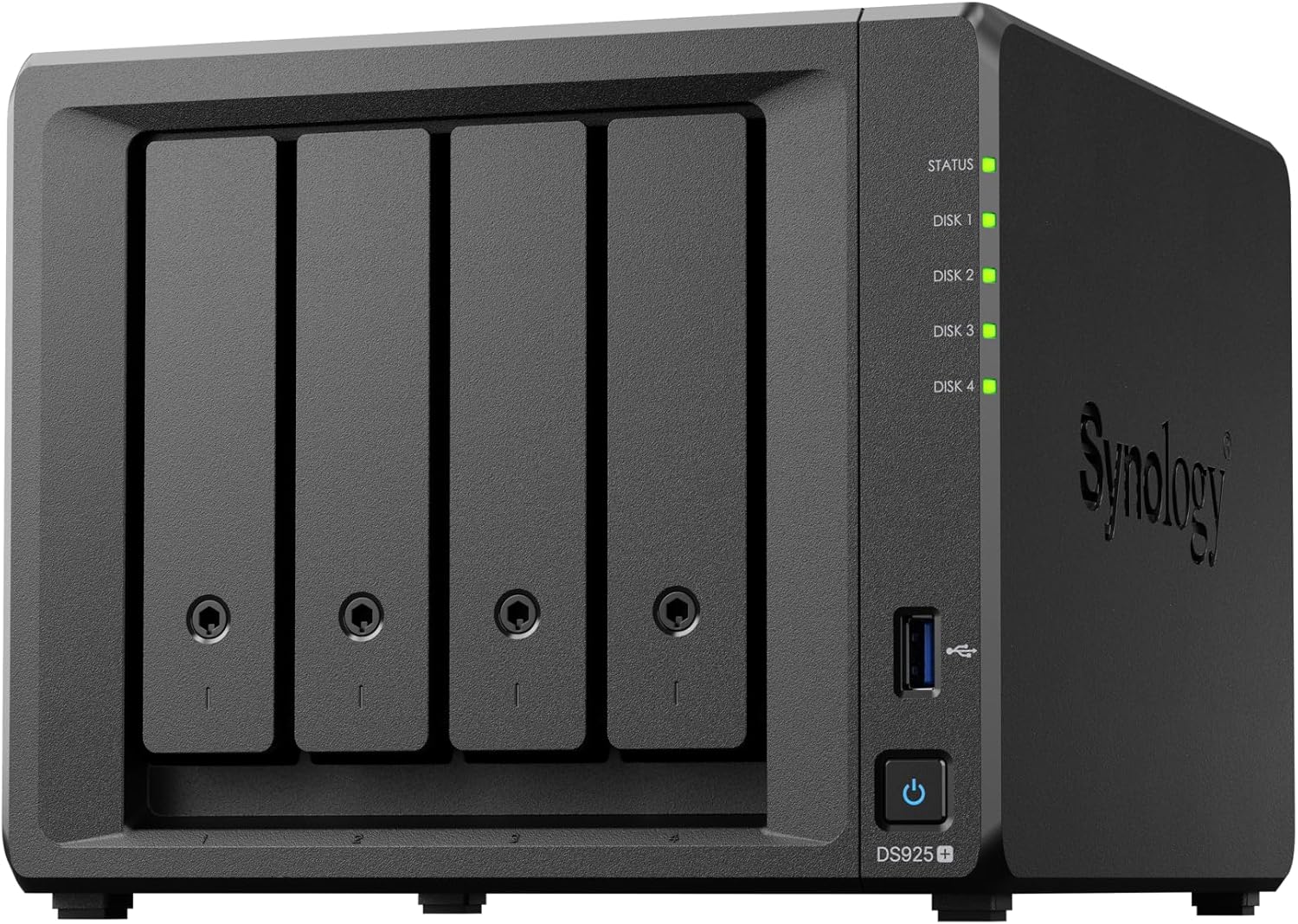
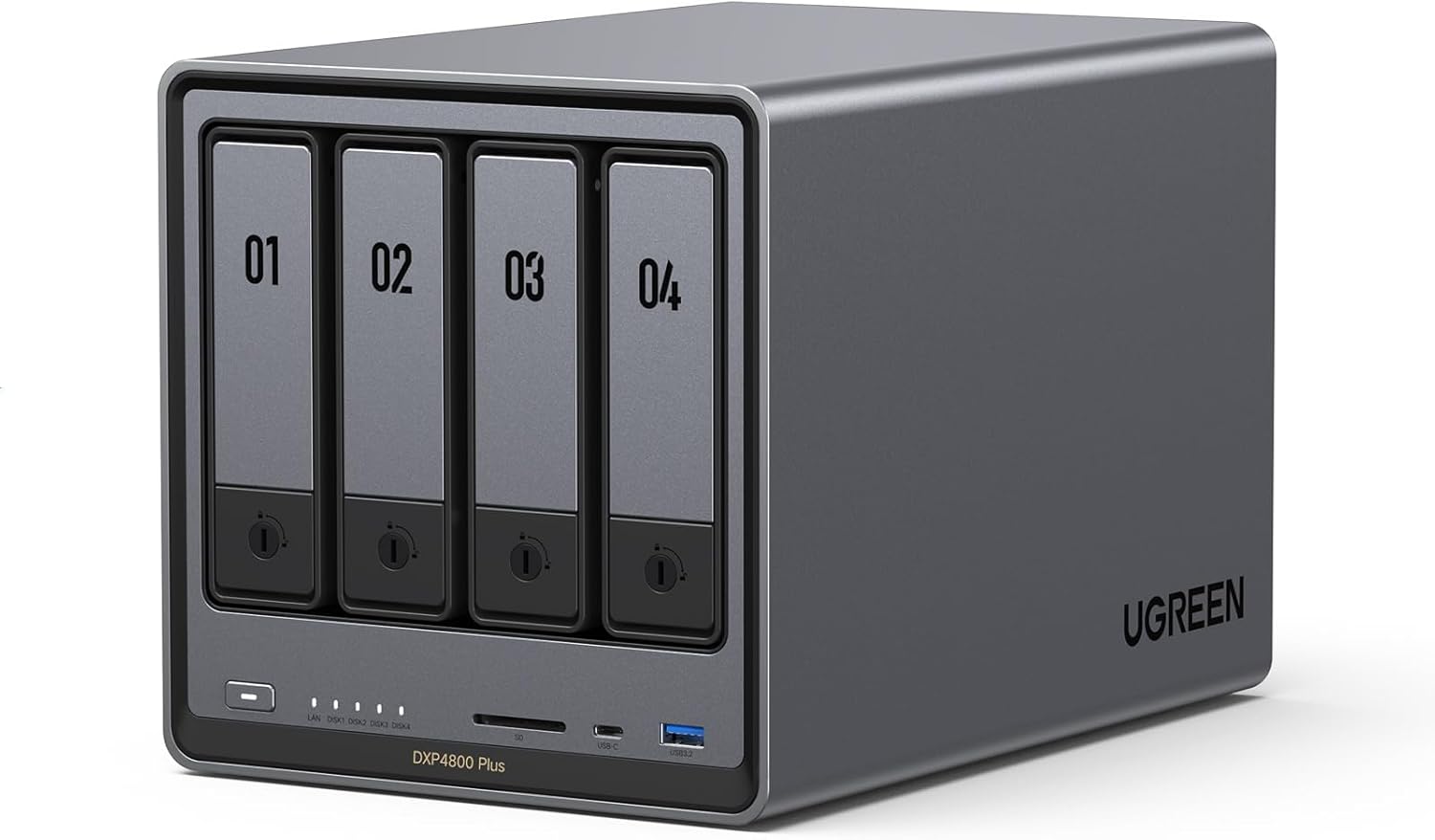
- At $600, significantly more expensive than DS925+ or DXP4800 Plus
- OCuLink eGPU adds $400–800 more for a GPU enclosure
- Newer product with less community support than Synology
- Software ecosystem less mature than Synology DSM
Who Should NOT Buy This
Honest assessment
- Users who just need model storage without on-NAS inference — DS925+ or DXP4800 Plus are better value
- Those unwilling to manage a Linux-based system — requires more technical setup than Synology DSM
Our Verdict
MINISFORUM N5 Air NAS
The MINISFORUM N5 Air is in a class of its own — no other NAS lets you attach a full discrete GPU via OCuLink and run inference on the storage device itself. For users who want their NAS to be an AI inference node (not just storage), this is the only option. The 5-bay capacity, dual 10GbE, and PCIe x16 slot make it future-proof for whatever accelerator hardware comes next. The $600 base cost is steep but reasonable for what it delivers.
Frequently Asked Questions
Q1How does OCuLink work for GPU inference on the N5 Air?
OCuLink is a cabling standard for external PCIe — it delivers PCIe 4.0 x4 bandwidth (~8 GB/s) to an external GPU enclosure. You connect an eGPU case (like MINISFORUM's own enclosure) containing a discrete GPU, and the Ryzen 7 system treats it as an internal GPU. Ollama detects it via ROCm (for AMD GPUs) and runs full GPU-accelerated inference. This is unique to the N5 Air among NAS devices.
Q2What GPU can I connect via OCuLink?
Any PCIe GPU that fits in an eGPU enclosure with OCuLink support — typically single-slot to dual-slot cards. AMD RX 7600 (8GB VRAM) or RX 6700 XT (12GB VRAM) are popular choices with ROCm Linux support. NVIDIA GPUs require CUDA which has less native NAS support, but can work with custom OS setups.
Q3Can I use the N5 Air as just a NAS without the eGPU?
Yes — the N5 Air works as a high-performance 5-bay NAS out of the box. The 10GbE + 5GbE ports, Ryzen 7 CPU, and three M.2 NVMe slots provide excellent storage performance without any GPU attached. The eGPU and PCIe expansion are optional upgrades.
Complete Your Setup
Recommended accessories
Compare With
As an Amazon Associate I earn from qualifying purchases.
MINISFORUM N5 Air NAS
~$600