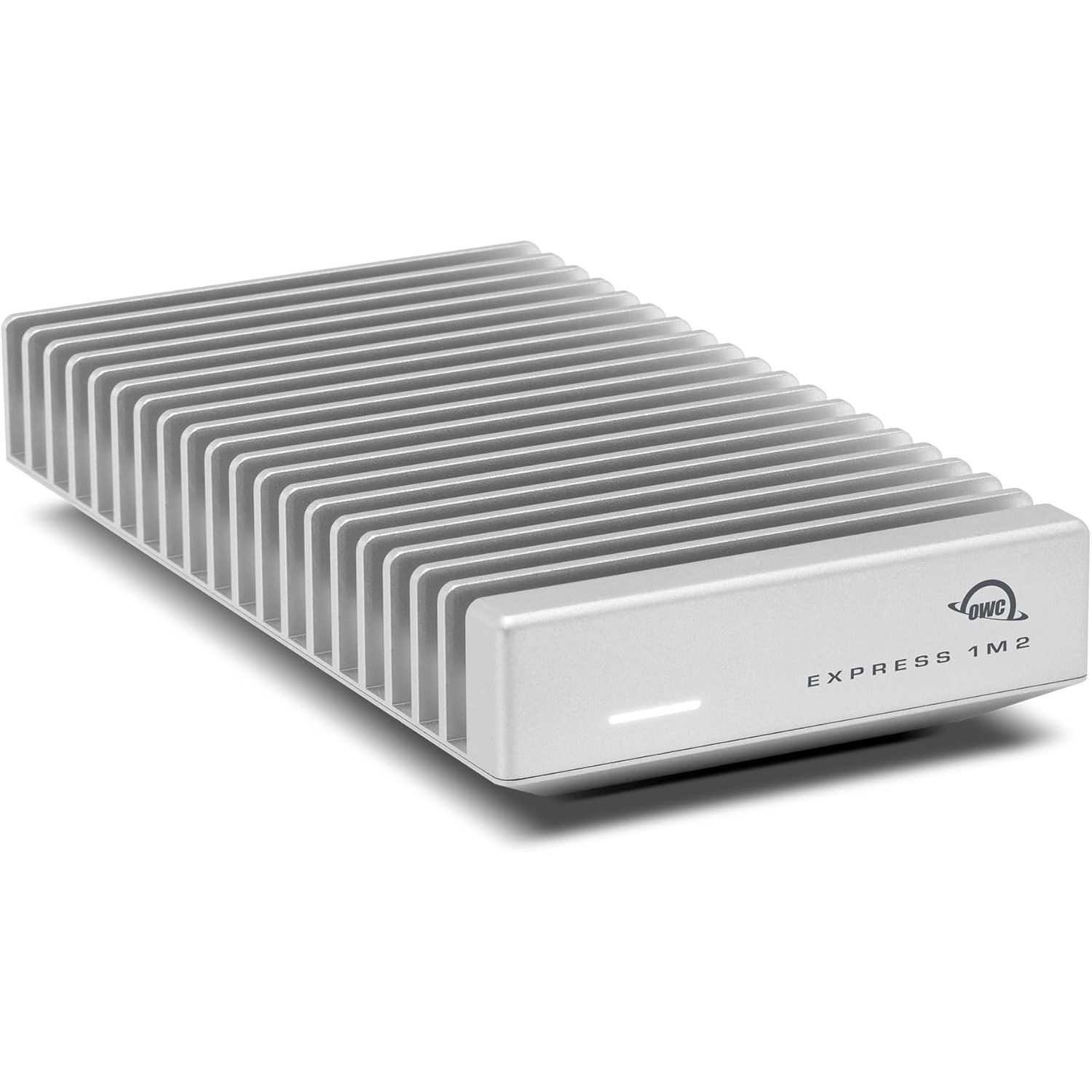
OWC Envoy Express Thunderbolt NVMe Enclosure
The OWC Envoy Express is a fanless Thunderbolt NVMe enclosure machined from aircraft-grade aluminum. At 40Gbps Thunderbolt bandwidth, it reads an internal NVMe at full speed externally — making it the right way to expand Mac Mini storage for large LLM libraries without sacrificing load times.
Expanding Mac Mini Storage for Local AI Models: OWC Envoy Express Setup
What Can You Run on This?
- Expanding Mac Mini M4/M4 Pro storage for LLM model libraries
- External NVMe for fast model loading — 3,000+ MB/s read
- Portable high-speed AI dataset storage
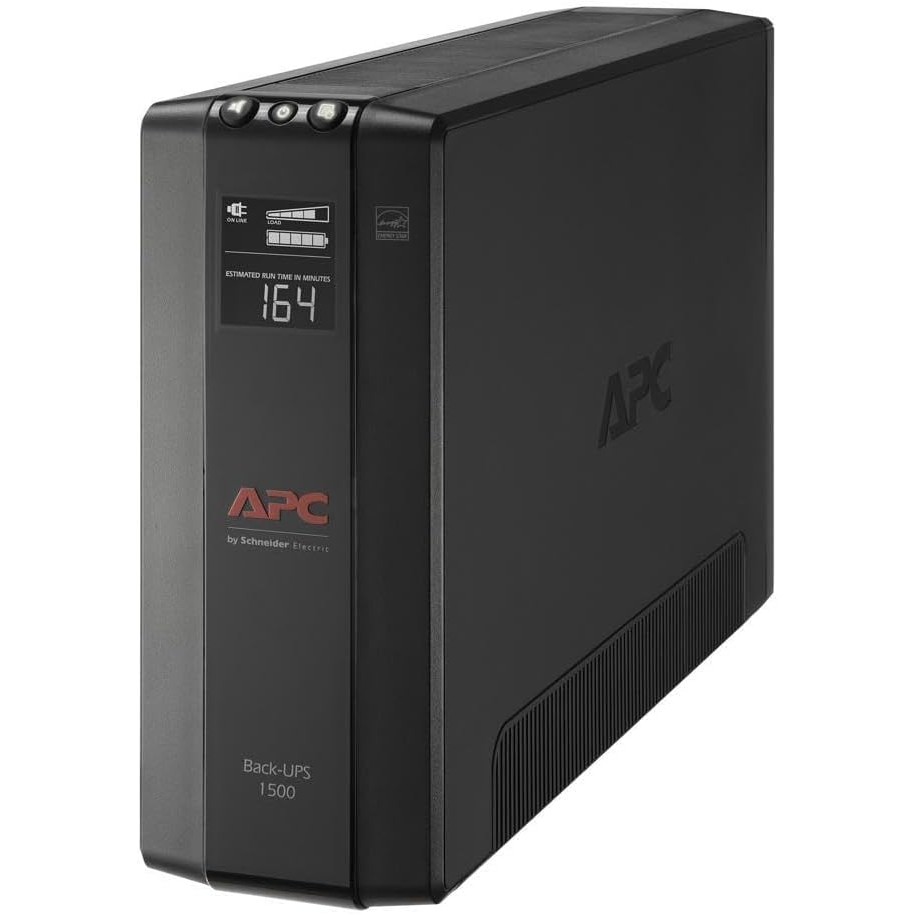
- Silent fanless operation for always-on AI servers
- Thunderbolt daisy-chaining with other peripherals
Full Specifications
| Interface | Thunderbolt (40Gbps) |
|---|---|
| Form Factor | NVMe Enclosure |
Pros & Cons
Pros
- 40Gbps Thunderbolt — full NVMe speeds over external connection
- Aircraft-grade aluminum chassis — passive fanless cooling
- Compact and portable — smaller than a deck of cards
- Works with any M.2 NVMe SSD (2230 / 2242 / 2280)
- Thunderbolt daisy-chain port for additional peripherals
Cons
- Requires a Thunderbolt host — won't reach full speed on USB-C only ports
- No included NVMe drive — add your own SSD
- 40Gbps caps below TB5's 80Gbps — TB5-native enclosures will be faster
- Premium OWC pricing vs third-party Thunderbolt enclosures
Who Should NOT Buy This
Honest assessment
- Windows PC users — Thunderbolt enclosure compatibility is best on Mac
- Anyone who needs more than 1TB — the internal NVMe drive size is your limit
- Users who just need USB-A storage expansion
Our Verdict
OWC Envoy Express Thunderbolt NVMe Enclosure
The OWC Envoy Express is the right external storage solution for Mac Mini users running serious AI workloads. The 256GB or 512GB internal SSD that ships with most Mac Mini M4 configurations fills up fast with LLM libraries — a single 4-bit quantized 70B model is ~40GB. Pair this with a 2–4TB NVMe SSD and load any model in seconds over Thunderbolt at 3,000+ MB/s. The fanless aluminum body keeps it silent for always-on operation.
Frequently Asked Questions
Q1How fast is the OWC Envoy Express for loading LLMs?
With a fast NVMe SSD installed (e.g., Samsung 990 Pro or WD Black SN850X), you'll see 2,800–3,500 MB/s sequential reads over Thunderbolt. Loading a 4-bit quantized 7B model (~4GB) takes under 2 seconds. A 70B Q4 model (~40GB) loads in 12–15 seconds. Compare to loading from a USB 3.0 drive at 500 MB/s — that same 40GB model would take 80+ seconds.
Q2Does the OWC Envoy Express work with Mac Mini M4?
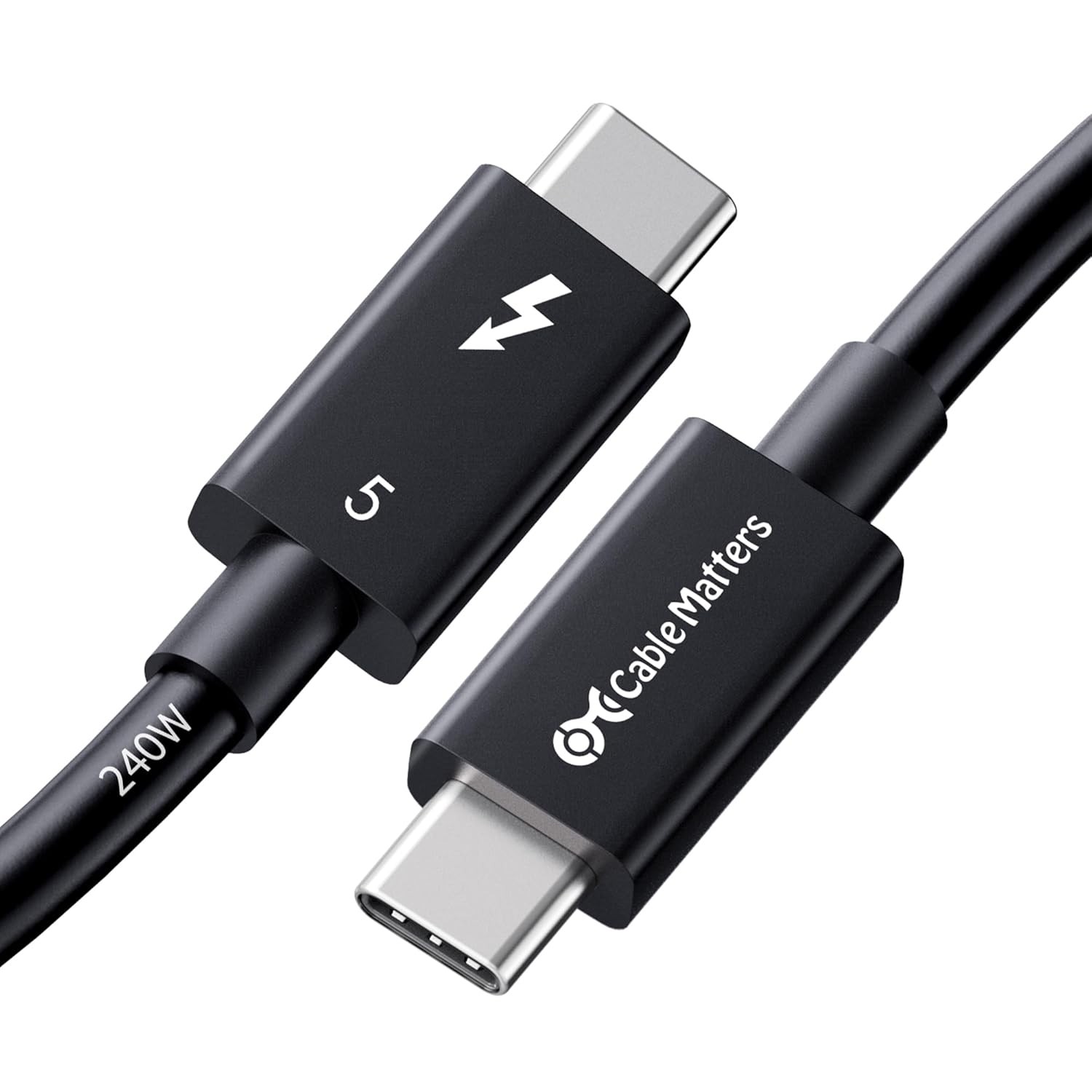
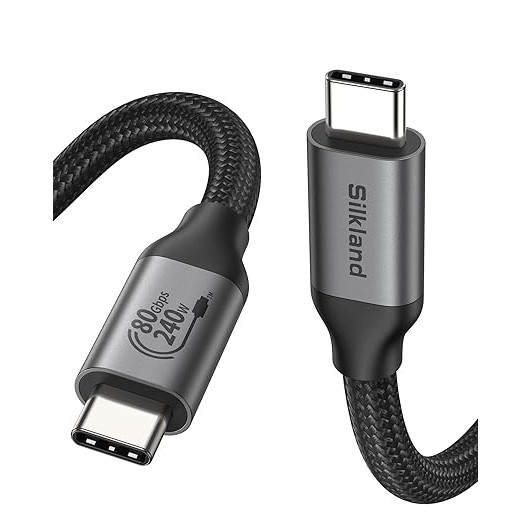
Yes. The Mac Mini M4 has two Thunderbolt 4 ports (front USB-C) and the M4 Pro model has three Thunderbolt 5 ports. The Envoy Express connects to any of these via the included Thunderbolt cable and reaches full NVMe read/write speeds. Use a TB5 cable (like the Cable Matters TB5) for the M4 Pro to ensure maximum bandwidth.
Q3What NVMe drive should I pair with the OWC Envoy Express?
For AI model storage, prioritize sequential read speed and capacity over random IOPS. The Samsung 990 Pro (2–4TB) and WD Black SN850X (2–4TB) both deliver 7,000+ MB/s sequential reads, though they'll be capped at ~3,500 MB/s by the Thunderbolt 40Gbps connection. Choose based on capacity needs — 2TB for a model library, 4TB if you store datasets too.
Complete Your Setup
Recommended accessories
Compare With
As an Amazon Associate I earn from qualifying purchases.
OWC Envoy Express Thunderbolt NVMe Enclosure
Check Price on Amazon