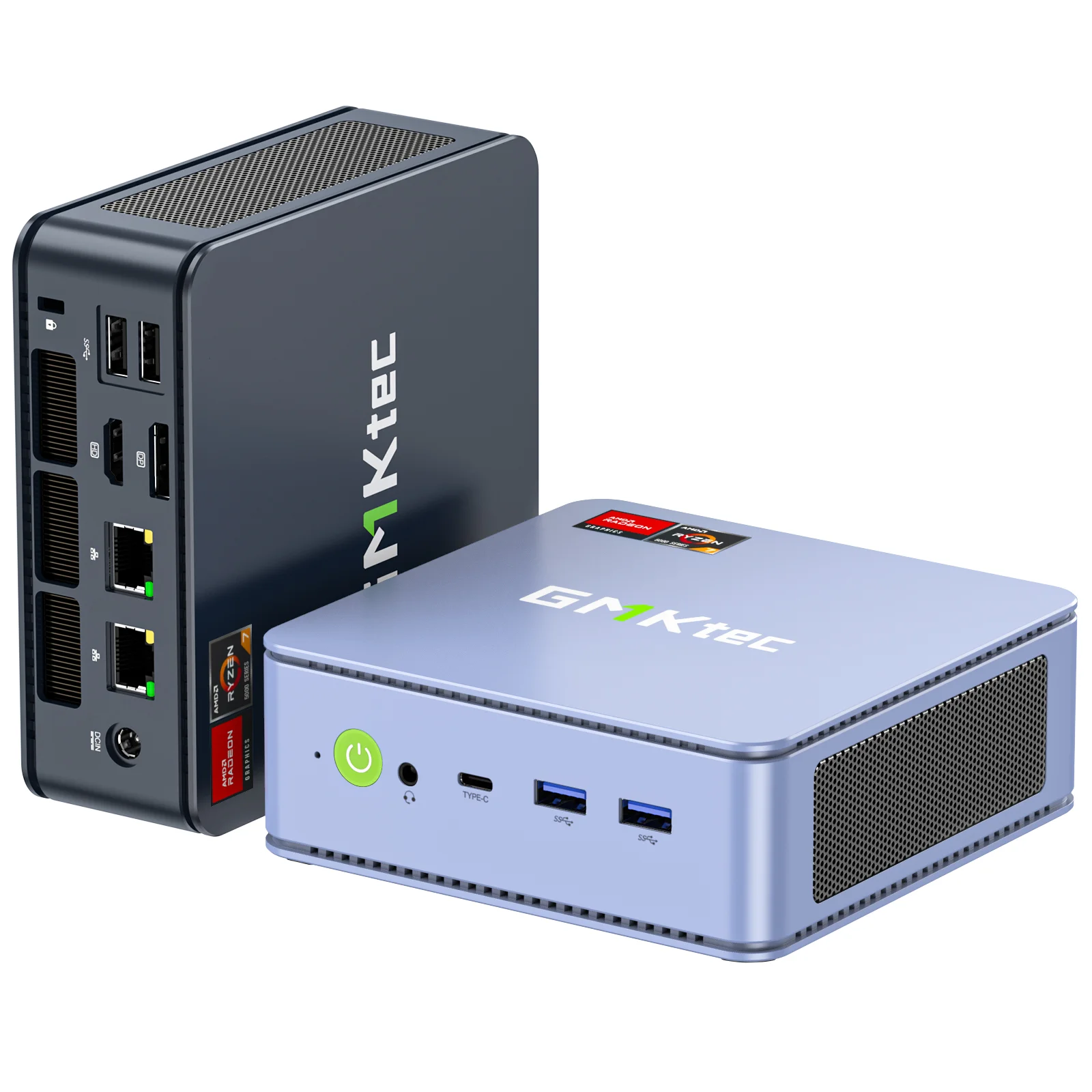
GMKtec NucBox M5 Pro Mini PC
The GMKtec NucBox M5 Pro is the best budget entry point for local AI inference in 2026. Powered by an AMD Ryzen 9 processor with Radeon 780M integrated graphics, it runs 7B models via Ollama and supports Windows 11 with full CUDA-compatible tooling via ROCm.
MEMORY
32 GB
BANDWIDTH
51 GB/s
TDP
45W
MAX MODEL
13B (Q4 quantized)
Running Qwen2.5 7B on the GMKtec NUCBox M5 Pro: AMD Ryzen AI in a Mini PC
What Can You Run on This?
- Budget local LLM inference (7B–13B models)
- Always-on home automation AI server
- Windows-native AI workflows (WSL2, Python, Ollama)
- Edge AI development and prototyping
- Light Stable Diffusion (SD 1.5, SDXL at slow speeds)
Full Specifications
| Chip / Processor | AMD Ryzen 9 6900HX |
|---|---|
| CPU Cores | 8 |
| GPU Cores | 12 |
| Unified Memory?Unified MemoryApple Silicon uses a single pool of fast RAM shared between CPU and GPU. Larger unified memory = larger models run entirely at full bandwidth — no PCIe bottleneck. | 32 GB |
| Memory Bandwidth?Memory BandwidthHow fast data moves between memory and the processor, measured in GB/s. Tokens per second scales nearly linearly with bandwidth — this is the single most important GPU spec for LLM speed. | 51 GB/s |
| Storage | 512 GB |
| TDP (Power Draw)?TDP (Power Draw)Thermal Design Power in watts — the maximum sustained power draw. Higher TDP generally means more performance but more heat and electricity cost. Important for 24/7 always-on setups. | 45W |
| Max LLM Size?Max LLM SizeThe largest language model this hardware can run with full GPU/unified-memory acceleration, at the specified quantization. Larger models require more memory. | 13B (Q4 quantized) |
| Form Factor | Mini PC |
| AI Performance Benchmarks | |
| Tokens Per Second (7B) | 11 t/s |
Pros & Cons
Pros
- Under $300 — lowest cost entry to local AI inference
- 32GB DDR5 RAM provides enough headroom for 13B Q4 models
- Windows 11 Pro included — full compatibility with Python AI ecosystem
- Compact form factor comparable to Mac Mini
- Upgradeable RAM and storage unlike Apple Silicon
Cons
- Radeon 780M iGPU is significantly slower than discrete GPU for AI tasks
- 51 GB/s memory bandwidth is 5x lower than Mac Mini M4 Pro
- ROCm support on Windows is limited vs Linux for AMD GPU AI workloads
- Fan noise audible under sustained AI inference load
Who Should NOT Buy This
Honest assessment
- Anyone expecting GPU-class speed — Ryzen AI NPU assists but this is still CPU inference
- Stable Diffusion workflows — no discrete GPU
- Memory-hungry 13B models at speed — 32 GB RAM is the ceiling here
- Linux AI workflows — best supported on Windows due to AMD software stack
Our Verdict
GMKtec NucBox M5 Pro Mini PC
If your budget is under $300 and you want to run local AI on Windows, the GMKtec NucBox M5 Pro is the most capable option at this price. It handles 7B models smoothly and 13B models acceptably. Don't expect Mac Mini speeds — the iGPU is the bottleneck — but for experimenting with Ollama, LM Studio, or self-hosted AI, this is the best cheap starting point in 2026.
Frequently Asked Questions
Q1Can the GMKtec NucBox M5 Pro run local LLMs?
Yes. Using Ollama on Windows, the NucBox M5 Pro runs Llama 3 8B at approximately 8–15 tokens/second using the CPU. With ROCm on Linux, the Radeon 780M iGPU accelerates inference to 20–35 tokens/second for 7B models. 13B Q4 models run at 5–10 tokens/second CPU-only.
Q2How does the GMKtec NucBox M5 Pro compare to the Mac Mini for AI?
The Mac Mini M4 Pro is 4–6x faster for AI inference and significantly more power efficient. However, the GMKtec costs a fraction of the price and runs Windows, making it better for users who need Windows compatibility or are on a budget. The NucBox M5 Pro is a starting point; the Mac Mini is a serious workstation.
Q3Can I upgrade the RAM in the GMKtec NucBox M5 Pro?
Yes. Unlike Apple Silicon Macs, the NucBox M5 Pro uses standard SO-DIMM DDR5 slots. It ships with 32GB and can be upgraded to 64GB, which improves LLM headroom for 70B models (though generation speed is still CPU-limited without a discrete GPU).
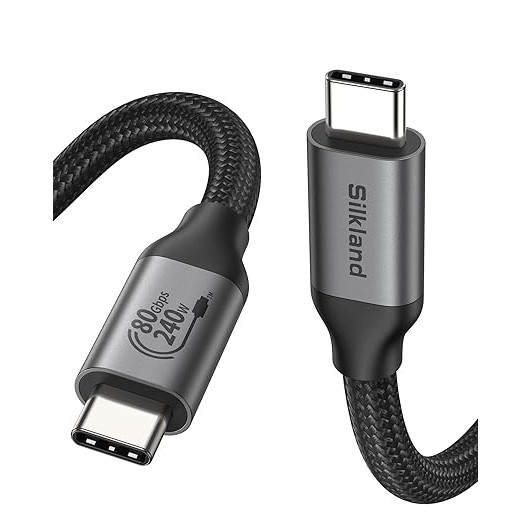
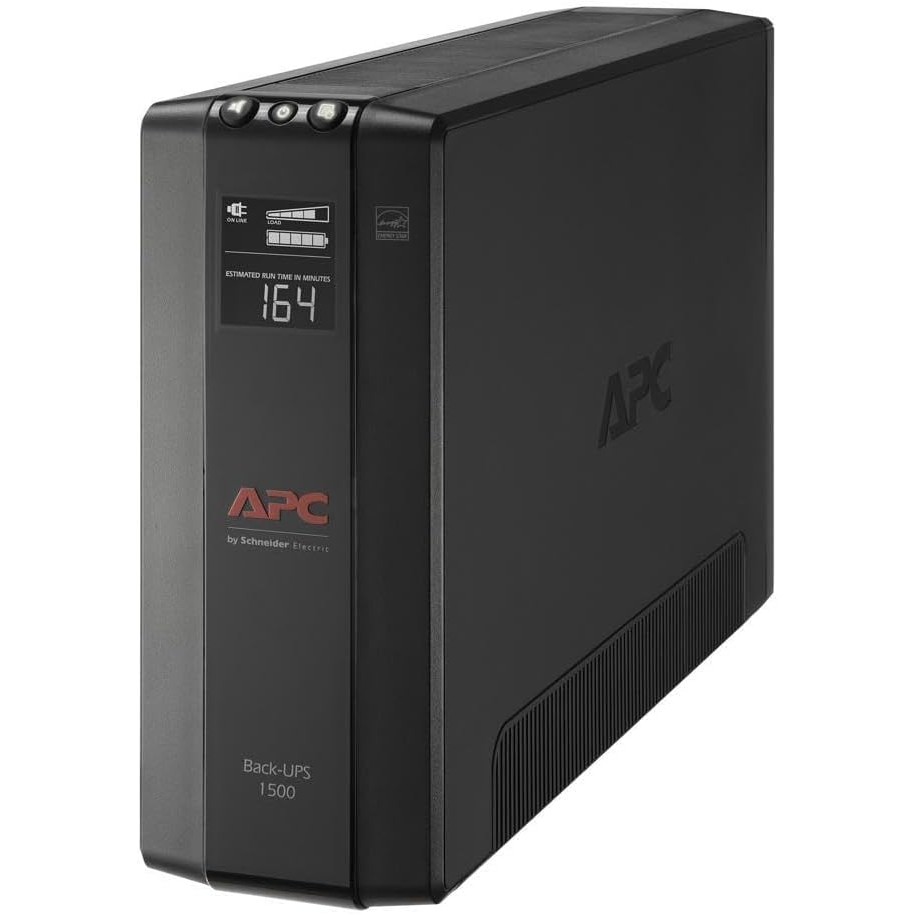
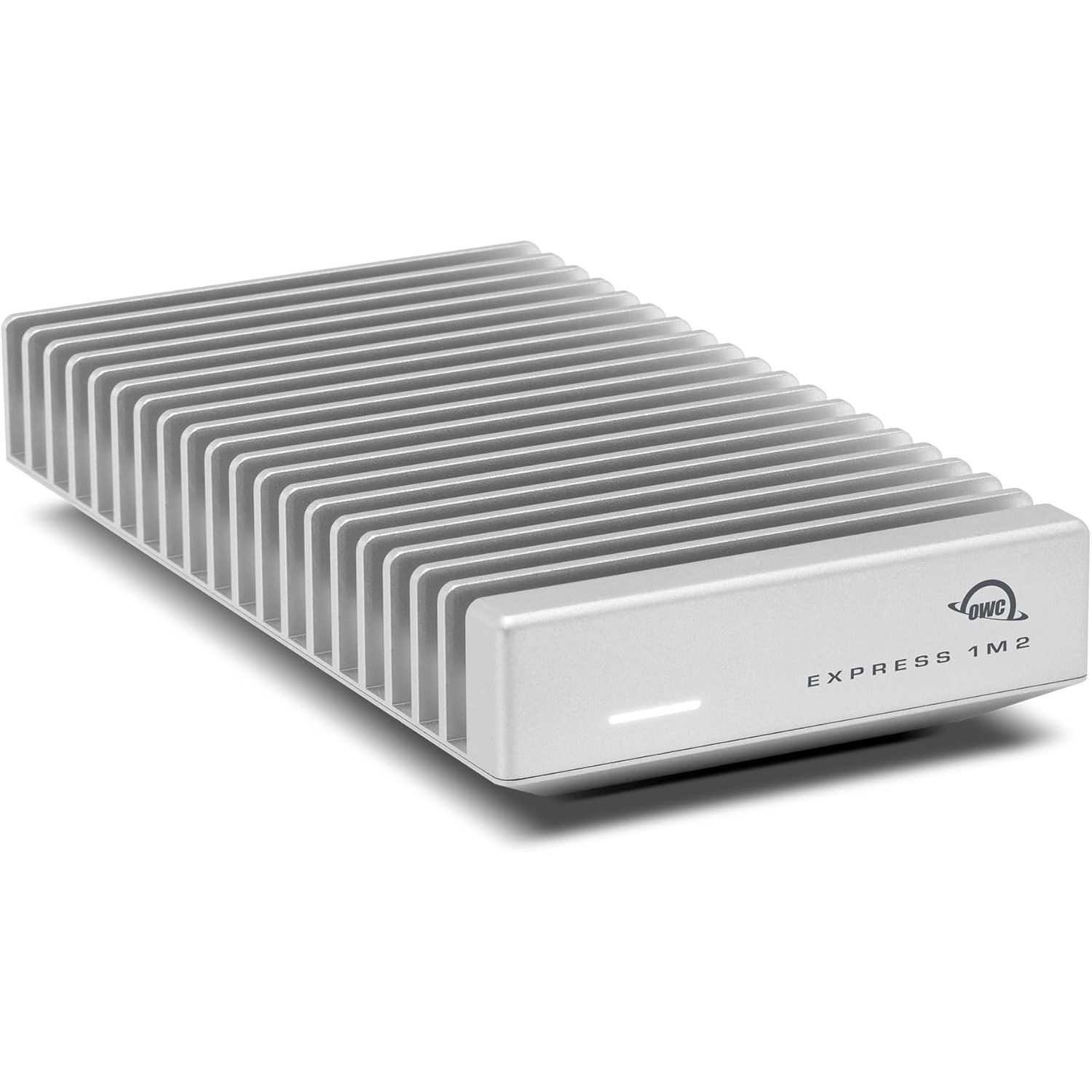
Don't Bottleneck Your Rig
Accessories that unlock this hardware's full potential
Setup Guides
Step-by-step instructions for this hardware
Also Featured In
Compare With
As an Amazon Associate I earn from qualifying purchases.
GMKtec NucBox M5 Pro Mini PC
Check Price on Amazon