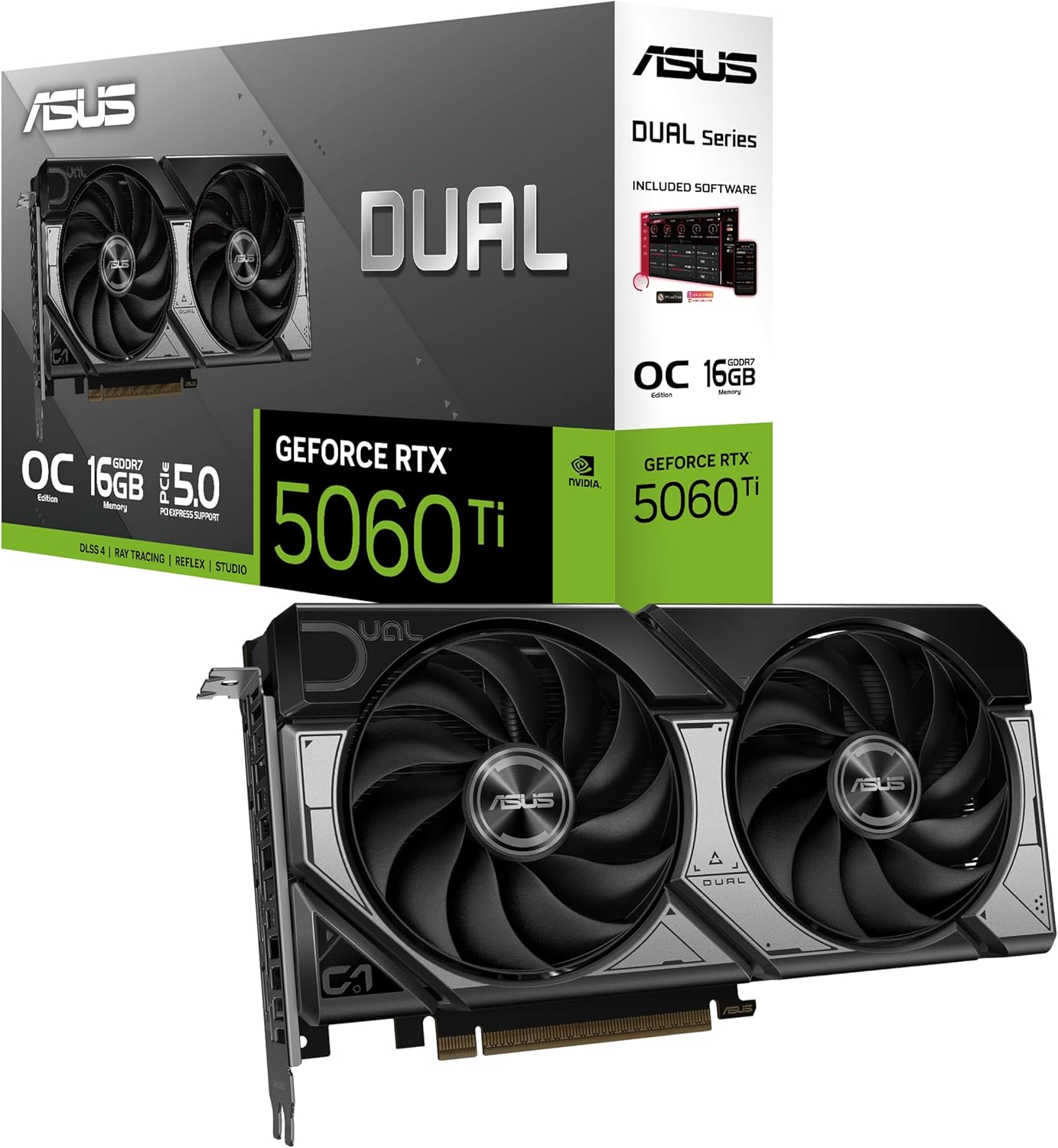
ASUS Dual GeForce RTX 5060 Ti OC 16GB GDDR7
The ASUS Dual RTX 5060 Ti 16GB brings Blackwell architecture and 16GB GDDR7 to the entry-level discrete GPU tier — the only way to get 16GB VRAM at this price point in 2026. For local AI builders who need 13B model headroom on a tight budget, it runs SDXL and quantized LLMs fully in VRAM while staying under 180W.
VRAM
16 GB
BANDWIDTH
448 GB/s
TDP
180W
MAX MODEL
13B (Q4 quantized)
ASUS RTX 5060 Ti 16GB: The Most Affordable GPU for 13B Local LLM Inference
What Can You Run on This?
- Entry-level local LLM inference — 7B at FP16, 13B at Q4 fully in 16GB VRAM
- Stable Diffusion XL and FLUX.1 schnell image generation
- ComfyUI workflows on a GPU budget
- Whisper transcription and audio AI tasks
- DLSS 4 upscaling and AI image enhancement
Full Specifications
| Chip / Processor | NVIDIA GeForce RTX 5060 Ti (Blackwell) |
|---|---|
| GPU Cores | 4352 |
| VRAM?VRAMVideo RAM — dedicated memory on a GPU. Determines the maximum model size you can run with full GPU acceleration. Once a model exceeds VRAM, it spills to system RAM over the slow PCIe bus. | 16 GB |
| Memory Bandwidth?Memory BandwidthHow fast data moves between memory and the processor, measured in GB/s. Tokens per second scales nearly linearly with bandwidth — this is the single most important GPU spec for LLM speed. | 448 GB/s |
| TDP (Power Draw)?TDP (Power Draw)Thermal Design Power in watts — the maximum sustained power draw. Higher TDP generally means more performance but more heat and electricity cost. Important for 24/7 always-on setups. | 180W |
| Max LLM Size?Max LLM SizeThe largest language model this hardware can run with full GPU/unified-memory acceleration, at the specified quantization. Larger models require more memory. | 13B (Q4 quantized) |
| Form Factor | GPU |
| AI Performance Benchmarks | |
| Tokens Per Second (7B) | 78 t/s |
| Tokens Per Second (13B) | 44 t/s |
| SDXL Generation Time | 3.8s |
Pros & Cons
Pros
- 16GB GDDR7 — the largest VRAM at this price tier, runs 13B Q4 fully in GPU memory
- Blackwell 5th-Gen Tensor Cores — more efficient per watt than previous-gen Ada
- 180W TDP — works comfortably with a 650W PSU, easy to cool
- 2.5-slot Axial-tech design — fits compact mid-tower and mATX cases
- 0dB fan technology — completely silent at idle and light load
- DLSS 4 support — future-proof for AI-upscaled gaming and rendering
Cons
- 448 GB/s bandwidth — roughly half the RTX 5070's 672 GB/s, noticeably slower inference
- 78 t/s on 7B — functional but 30% slower than RTX 5070 for interactive AI chat
- 13B Q4 only — higher quantization levels don't fit; 13B Q8 needs 16GB but ~14GB fits tightly
- No 70B support — even Q4 70B models (~40GB) are far beyond this VRAM capacity
Who Should NOT Buy This
Honest assessment
- Heavy 13B+ users — bandwidth limits make 13B inference noticeably slower than RTX 5070
- 70B model users — 40GB required far exceeds this card's 16GB
- High-volume FLUX.1 generation — 3.8s per image adds up in batch workflows
- macOS users — NVIDIA CUDA requires Windows or Linux
Our Verdict
ASUS Dual GeForce RTX 5060 Ti OC 16GB GDDR7
The ASUS Dual RTX 5060 Ti 16GB is the best entry point into discrete GPU local AI in 2026. The 16GB GDDR7 is the headline — no other GPU at this price tier offers this much VRAM — and Blackwell's efficiency means it runs 13B Q4 LLMs and SDXL image generation on a 650W system. The 448 GB/s bandwidth is a meaningful step down from the RTX 5070, but for users building their first AI rig or upgrading from an iGPU, the jump in inference speed and model capability is substantial.
Frequently Asked Questions
Q1How does the RTX 5060 Ti 16GB compare to the RTX 5070 12GB for AI?
The RTX 5070 12GB is significantly faster — 672 GB/s vs 448 GB/s bandwidth means roughly 50% more tokens per second. However, the RTX 5060 Ti wins on VRAM: 16GB vs 12GB, enabling 13B Q4 models the RTX 5070 can only run by compressing more aggressively. Choose the RTX 5060 Ti if running 13B models at any quality matters more than speed. Choose the RTX 5070 for faster 7B–13B Q4 inference.
Q2Can the RTX 5060 Ti 16GB run FLUX.1?
Yes. FLUX.1 schnell (fast mode) runs comfortably in 16GB VRAM and generates 1024×1024 images in approximately 4–5 seconds. FLUX.1 dev (higher quality) also fits within 16GB for standard resolutions. For faster FLUX.1 generation, the RTX 5070 or 5080 offer meaningful speed improvements.
Q3What PSU is needed for the RTX 5060 Ti?
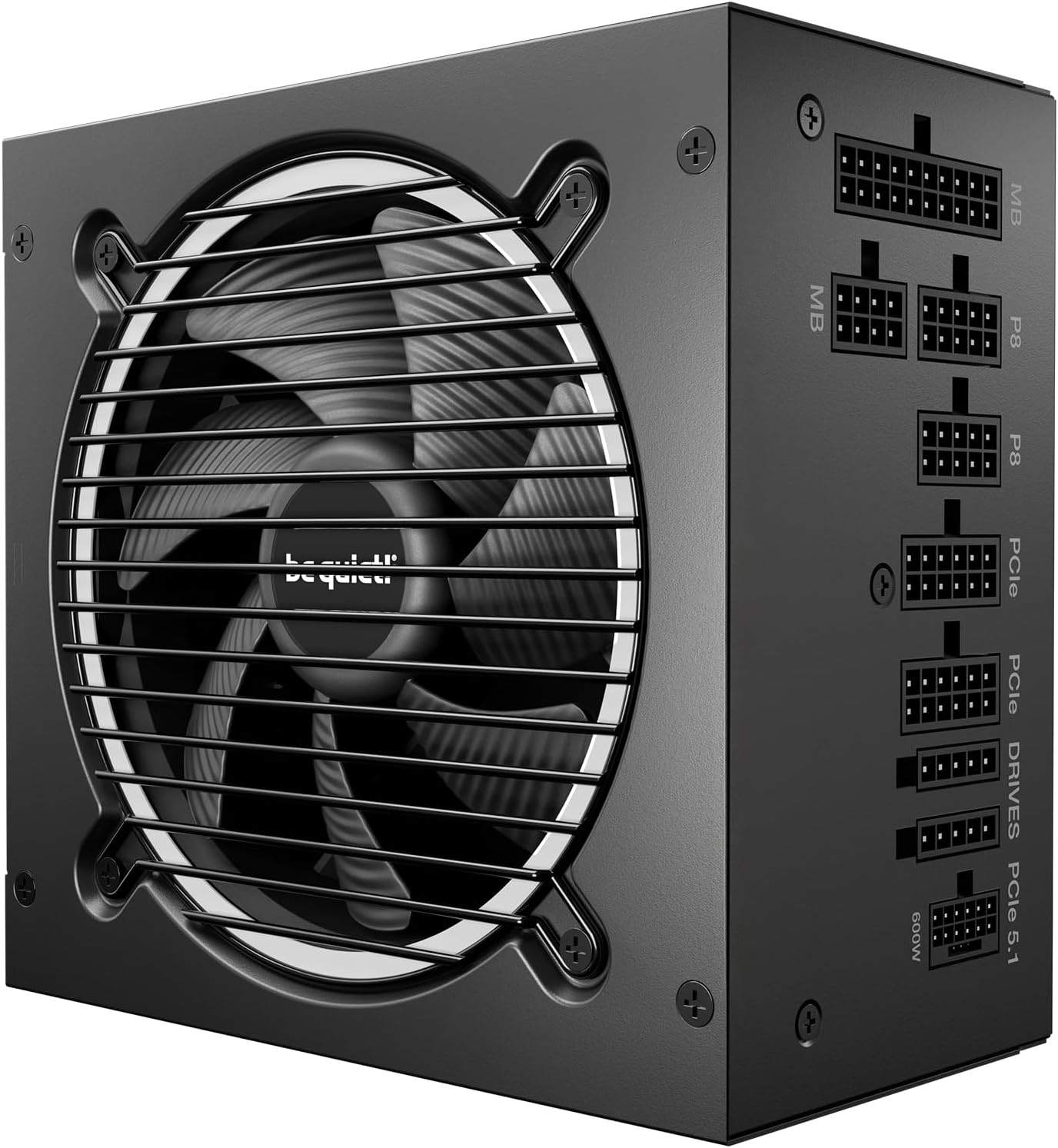
A 650W 80+ Gold PSU is sufficient for most RTX 5060 Ti systems. The 180W TDP combined with a mid-range CPU (65–95W) stays well within a 650W unit's comfortable range, even under sustained AI inference load.
Don't Bottleneck Your Rig
Accessories that unlock this hardware's full potential
Compare With
As an Amazon Associate I earn from qualifying purchases.
ASUS Dual GeForce RTX 5060 Ti OC 16GB GDDR7
Check Price on Amazon