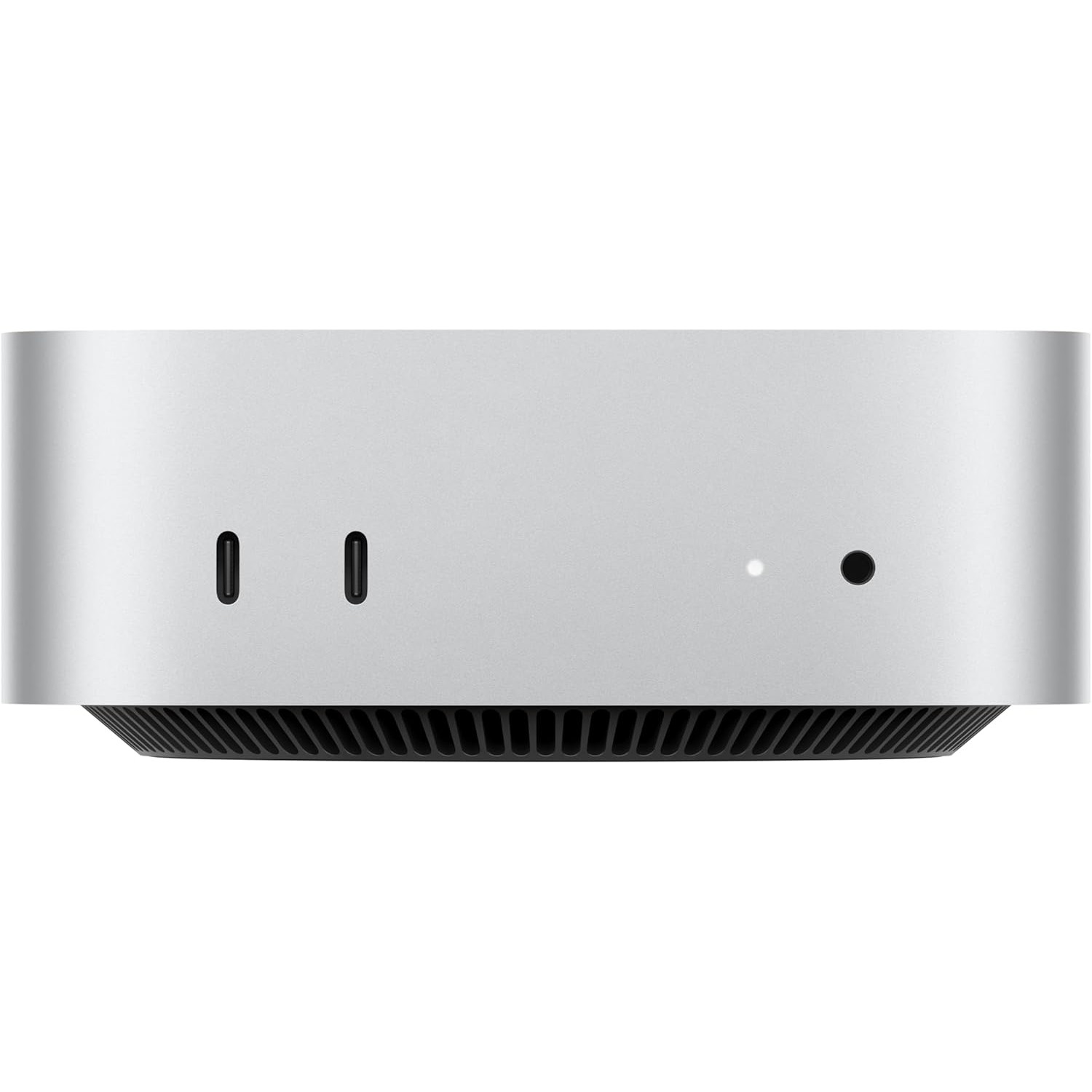
Apple Mac Mini (M4 Pro, 2024)
The Apple Mac Mini M4 Pro is the best compact AI workstation for local LLM inference in 2026. With up to 64GB of unified memory accessible at 273GB/s and a 14-core CPU, it can run 70B parameter models quantized to 4-bit with no external GPU required.
MEMORY
24 GB
BANDWIDTH
273 GB/s
TDP
30W
MAX MODEL
70B (Q4 quantized)
Running Llama 3.1 70B on the Mac Mini M4 Pro: The Only Sub-$2K Local Option
What Can You Run on This?
- Local LLM inference (Llama 3, Mistral, Qwen)
- Stable Diffusion / Flux image generation
- Always-on home AI server
- On-device coding assistant (Continue, Cursor local mode)
- Multi-modal vision model inference
Full Specifications
| Chip / Processor | Apple M4 Pro |
|---|---|
| CPU Cores | 14 |
| GPU Cores | 20 |
| Unified Memory?Unified MemoryApple Silicon uses a single pool of fast RAM shared between CPU and GPU. Larger unified memory = larger models run entirely at full bandwidth — no PCIe bottleneck. | 24 GB |
| Memory Bandwidth?Memory BandwidthHow fast data moves between memory and the processor, measured in GB/s. Tokens per second scales nearly linearly with bandwidth — this is the single most important GPU spec for LLM speed. | 273 GB/s |
| Storage | 512 GB |
| TDP (Power Draw)?TDP (Power Draw)Thermal Design Power in watts — the maximum sustained power draw. Higher TDP generally means more performance but more heat and electricity cost. Important for 24/7 always-on setups. | 30W |
| Max LLM Size?Max LLM SizeThe largest language model this hardware can run with full GPU/unified-memory acceleration, at the specified quantization. Larger models require more memory. | 70B (Q4 quantized) |
| Form Factor | Mini PC |
| AI Performance Benchmarks | |
| Tokens Per Second (7B) | 65 t/s |
| Tokens Per Second (13B) | 40 t/s |
Pros & Cons
Pros
- Unified memory architecture eliminates GPU VRAM bottleneck — 24GB or 64GB fully usable by LLMs
- 273 GB/s memory bandwidth rivals discrete GPUs costing 3x more
- Silent fanless operation — no fan noise during sustained inference workloads
- macOS native support via llama.cpp Metal backend and Ollama
- Smallest footprint of any 70B-capable system (197mm × 197mm)
Cons
- Memory not upgradeable after purchase — choose 24GB or 64GB at order time
- macOS only — no native CUDA support, NVIDIA-only tools won't run
- GPU core count (20) limits parallel image generation throughput vs discrete GPUs
- 64GB config significantly raises price
Who Should NOT Buy This
Honest assessment
- Hardcore Stable Diffusion users — image generation is much slower than an RTX 5070
- Windows-first workflows — macOS only
- Gamers who also want AI — M4 Pro gaming performance can't match a discrete GPU PC
- Those needing more than 48 GB — unified memory tops out at 48 GB on this model
Our Verdict
Apple Mac Mini (M4 Pro, 2024)
The Mac Mini M4 Pro is the definitive choice for anyone who wants silent, efficient, desk-ready AI inference without building a PC. Its unified memory means you can load a full 70B model into RAM — something that requires two high-end discrete GPUs on Windows. At 30W under load, it runs 24 hours a day for less than $2/month in electricity. If you're on macOS and want to run local LLMs, nothing beats this at its price point.
Frequently Asked Questions
Q1How does the Apple Mac Mini M4 Pro perform on local LLM tasks?
The Mac Mini M4 Pro runs 7B models at 60–80 tokens/second and 70B models (Q4_K_M quantization) at 8–12 tokens/second using Ollama or llama.cpp with Metal GPU acceleration. Performance scales linearly with model size — it handles everything up to Llama 3 70B without swapping to disk.
Q2Can the Mac Mini M4 Pro run Stable Diffusion?
Yes. Using Automatic1111 or ComfyUI with Apple Silicon optimization, the M4 Pro generates 512×512 images in 4–8 seconds on SDXL. The 20-core GPU handles Flux.1-dev at approximately 12–18 seconds per image at 1024×1024.
Q3What is the maximum LLM size the Mac Mini M4 Pro can run?
With 24GB unified memory, the M4 Pro can run models up to 34B parameters at 4-bit quantization or 13B models at full 8-bit precision. The 64GB upgrade option extends this to 70B models at Q4 or 34B at Q8. Memory bandwidth of 273 GB/s ensures fast generation speeds.
Q4Is the Mac Mini M4 Pro worth it for AI compared to a discrete GPU?
For users who want silent, low-power, hassle-free AI inference on macOS, yes. A discrete GPU like the RTX 4090 offers higher raw CUDA throughput for training and parallel tasks, but requires a full desktop PC, generates significant heat, and draws 450W. The M4 Pro runs the same 70B models at 30W with zero noise.
Q5How does the Mac Mini M4 Pro compare to the base M4 for LLMs?
The M4 Pro runs 7B models at ~65 t/s vs ~42 t/s on the base M4 — about 55% faster. For 13B models: ~40 t/s vs ~22 t/s. The M4 Pro also scales to 64GB unified memory (vs 32GB max on M4), which is required to run 70B models without offloading. The extra memory bandwidth (273 GB/s vs 120 GB/s) is the primary performance driver.
Q6Can the Mac Mini M4 Pro run a 70B model like Llama 3.1 70B?
Yes — but only with the 64GB memory upgrade. A Q4_K_M quantized 70B model requires approximately 40GB of RAM. With 64GB, the M4 Pro loads it fully and runs at 8–12 tokens/second, which is interactive enough for chat and reasoning tasks. The base 24GB config can run 34B models at Q4 but not 70B. If you order the 24GB version, 70B inference isn't feasible.
Q7How much power does the Mac Mini M4 Pro use for AI?
Under full LLM inference load, the M4 Pro draws approximately 30–40W from the wall. At idle it drops below 5W. Compared to a Windows AI PC with a discrete GPU (typically 150–350W under load), the M4 Pro runs 24/7 inference for roughly $2–4/month in electricity — a meaningful difference if you're running a persistent local AI server.
Q8What software works best for local AI on the Mac Mini M4 Pro?
Ollama is the easiest entry point — install once, pull a model, and it handles Metal GPU acceleration automatically. LM Studio provides a graphical interface with the same Metal backend. For developers, llama.cpp with Metal support gives fine-grained control. ComfyUI (with Apple Silicon support) handles Stable Diffusion and FLUX. All four work out of the box with no driver configuration.
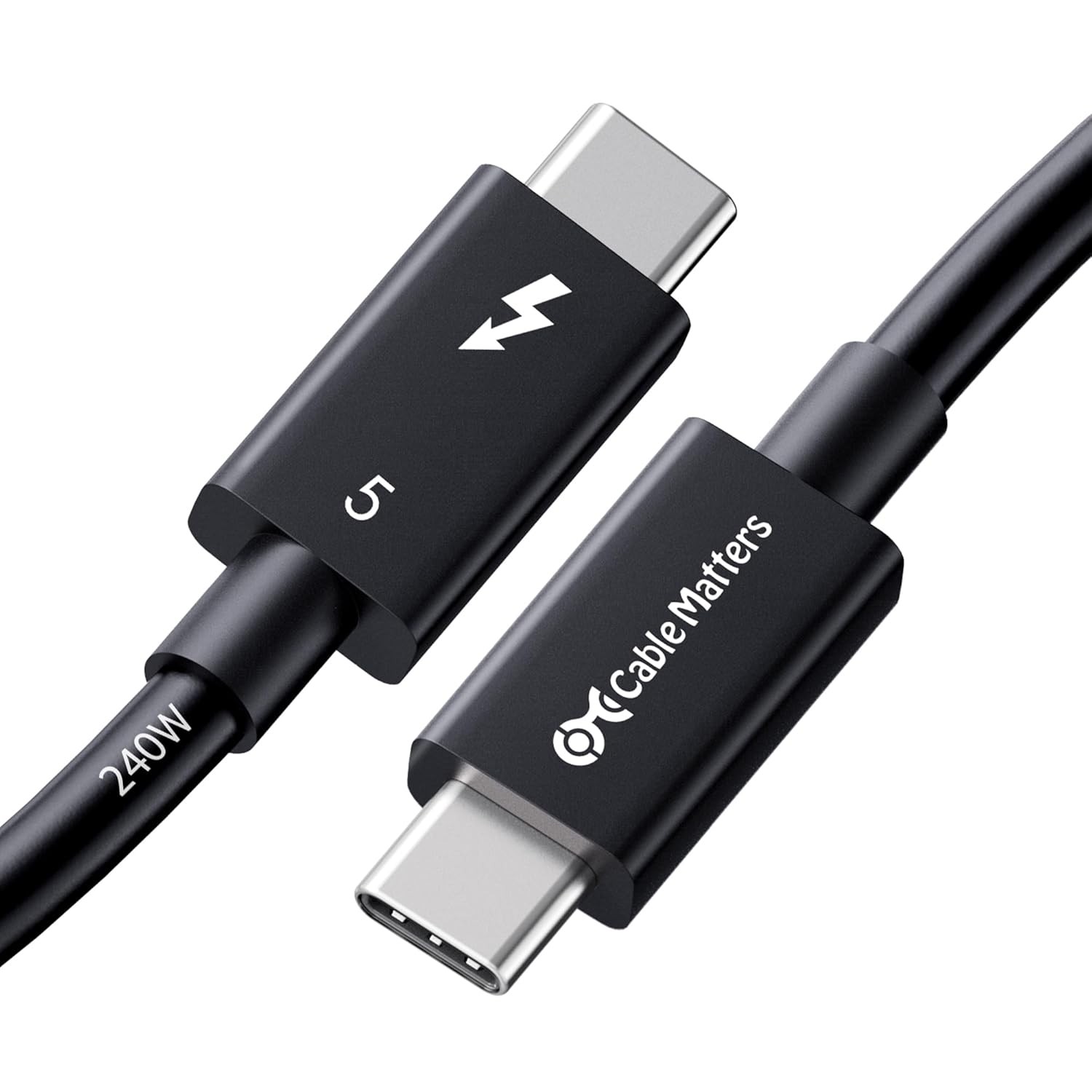
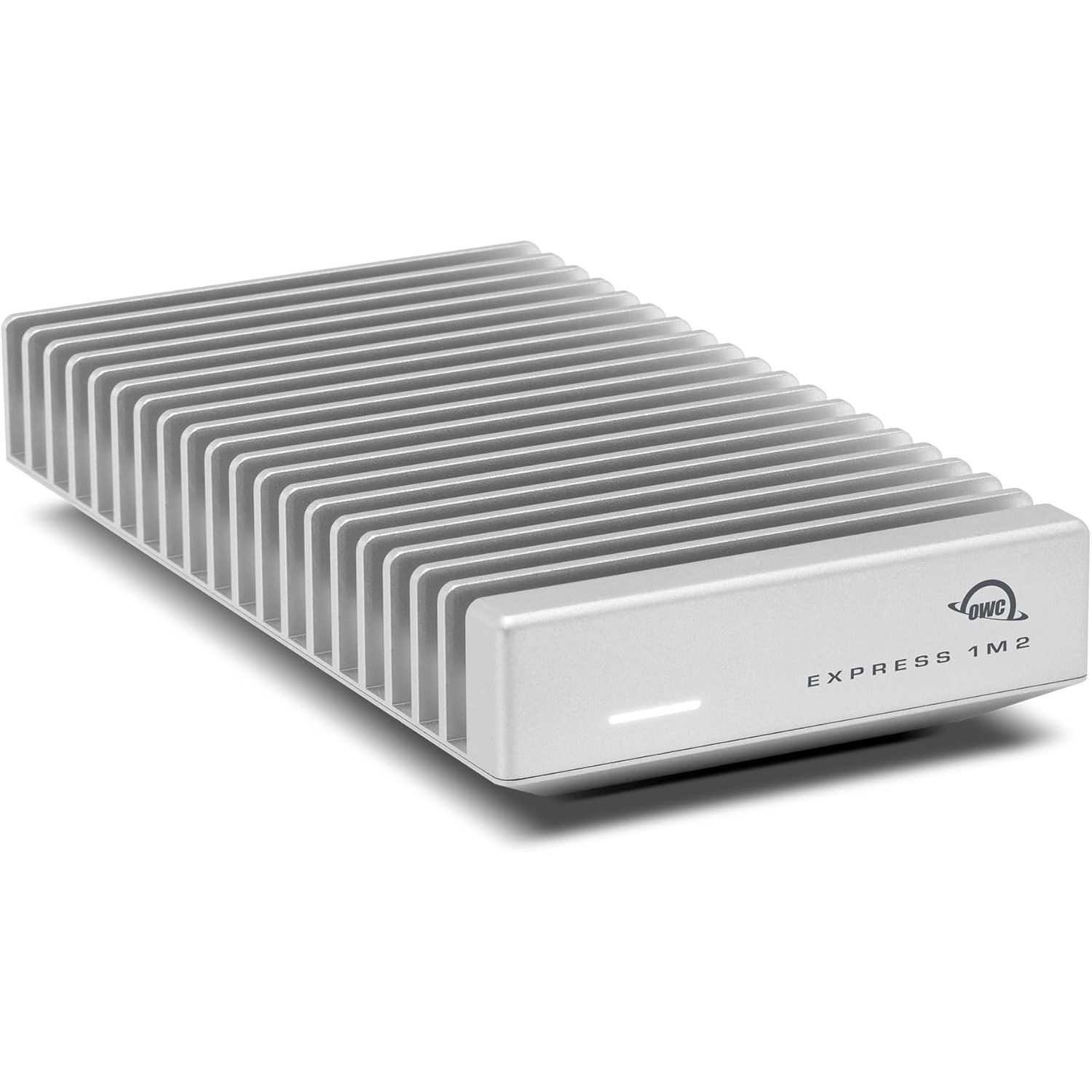
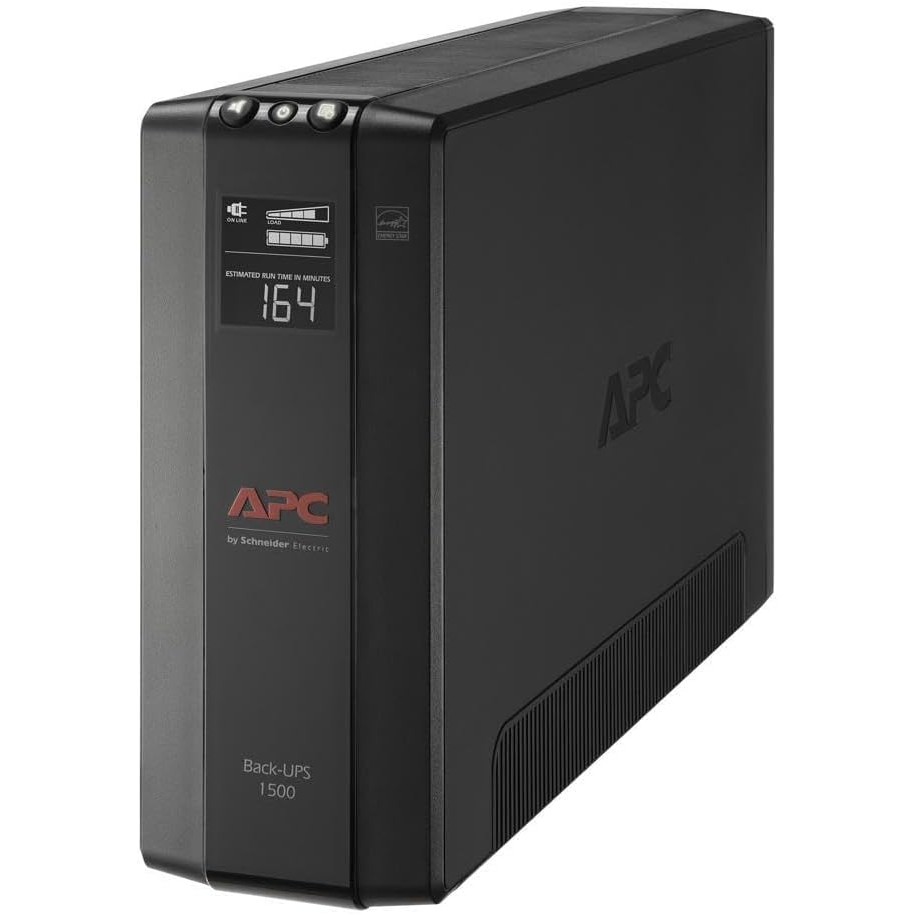
Don't Bottleneck Your Rig
Accessories that unlock this hardware's full potential
Setup Guides
Step-by-step instructions for this hardware
Also Featured In
Compare With
As an Amazon Associate I earn from qualifying purchases.
Apple Mac Mini (M4 Pro, 2024)
Check Price on Amazon